 Onsoon Labs
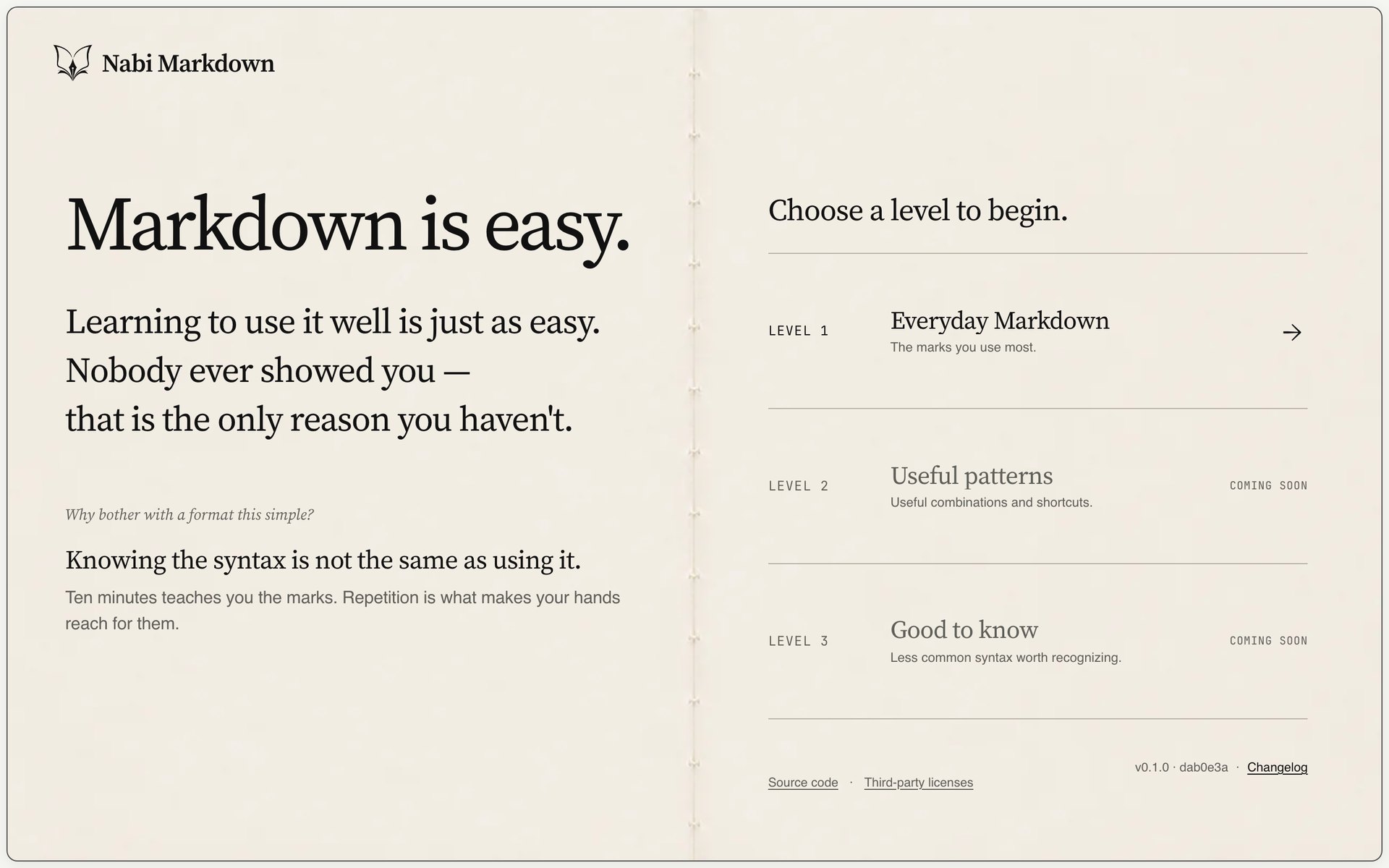
Choose a level and start
No install and no sign-up: choose a level on the first screen. Level 1, Everyday Markdown, is open now; Levels 2 and 3 are coming soon.
 Nabi Markdown
Learn Markdown by rebuilding real documents.
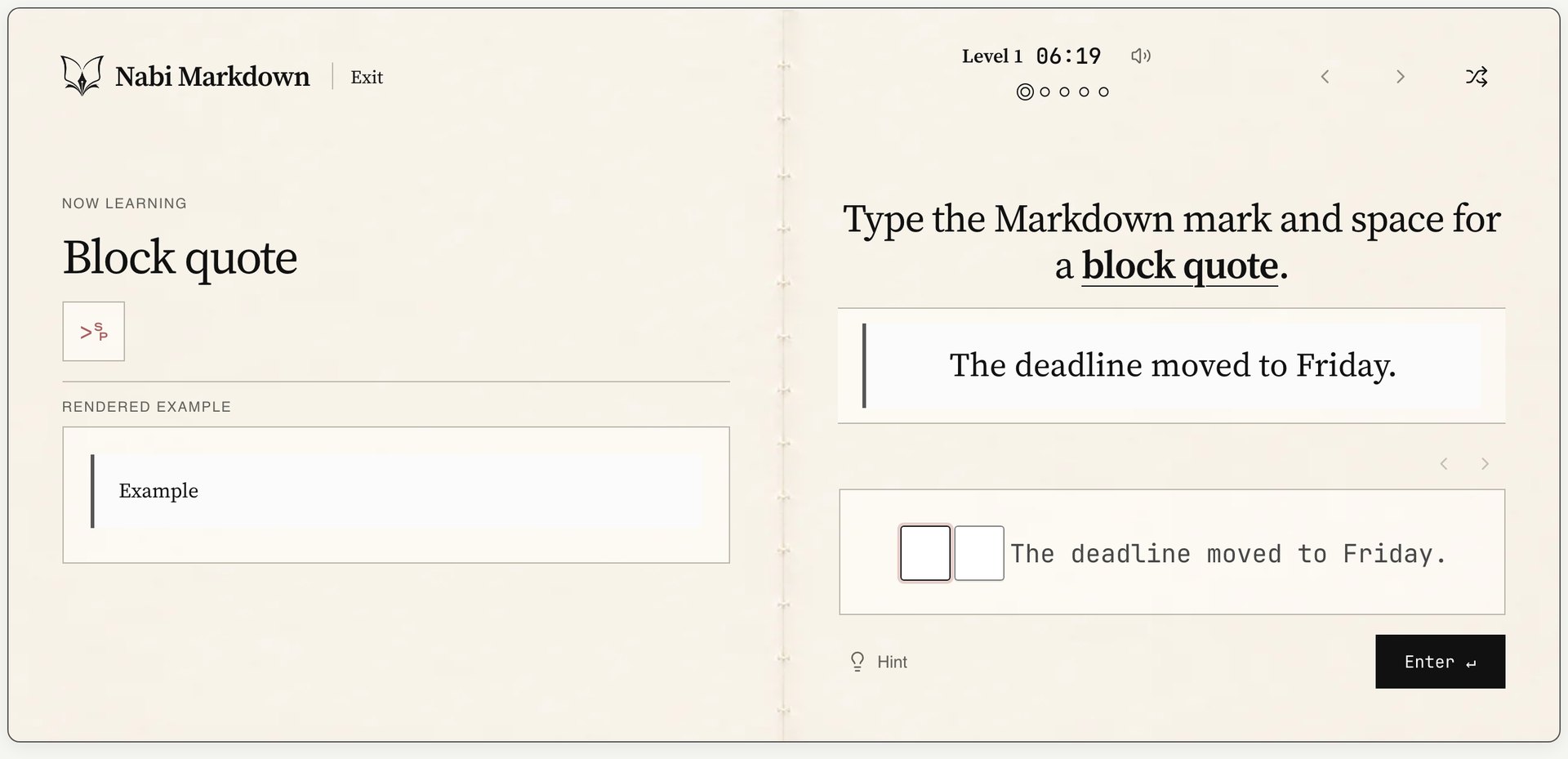
Each short quest is one loop: read the brief, write the source, inspect the render, and check the structure.
No install and no sign-up: choose a level on the first screen. Level 1, Everyday Markdown, is open now; Levels 2 and 3 are coming soon.
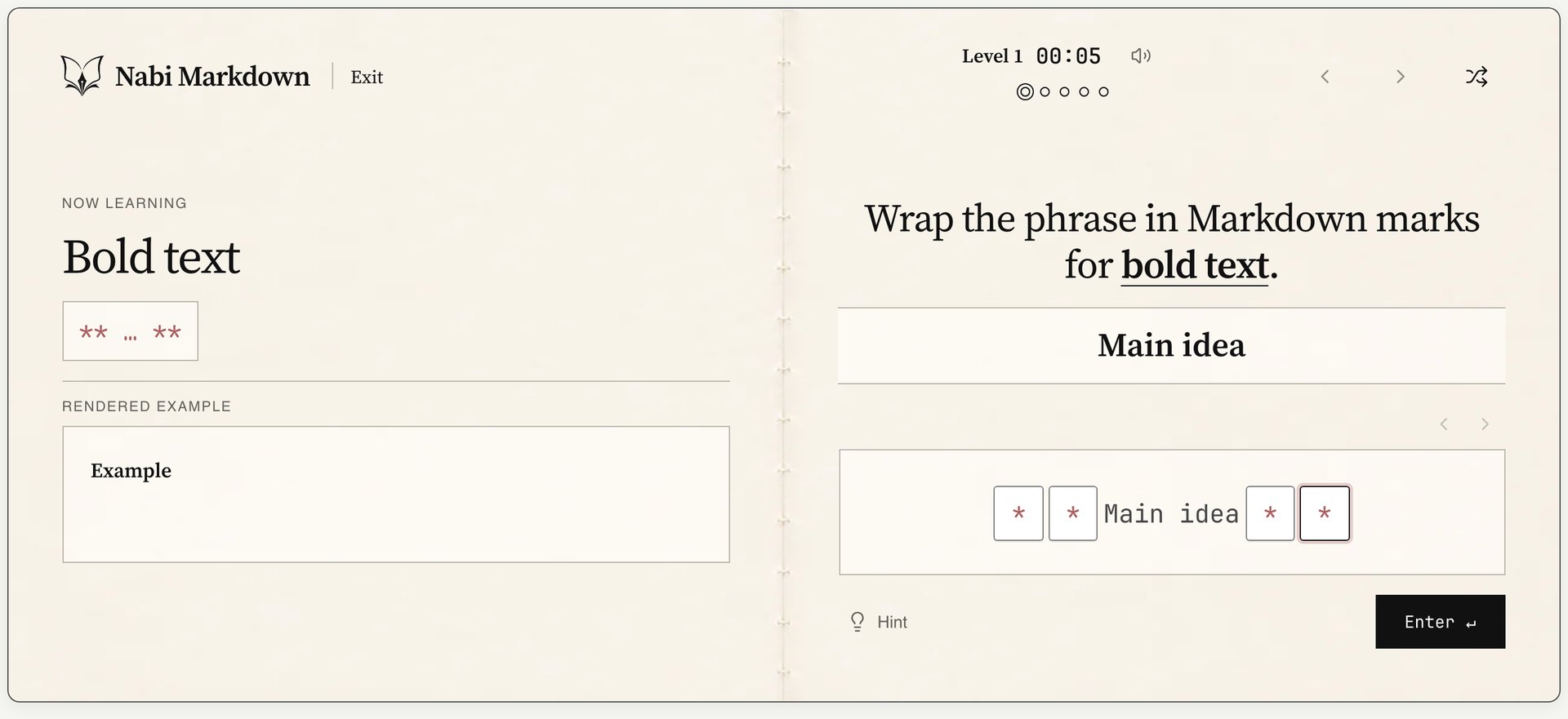
Read the syntax and an example on the left, then type the Markdown marks into the blanks on the right. Level 1 covers headings, bold, italic, lists, links, code, blockquotes, tables and images.
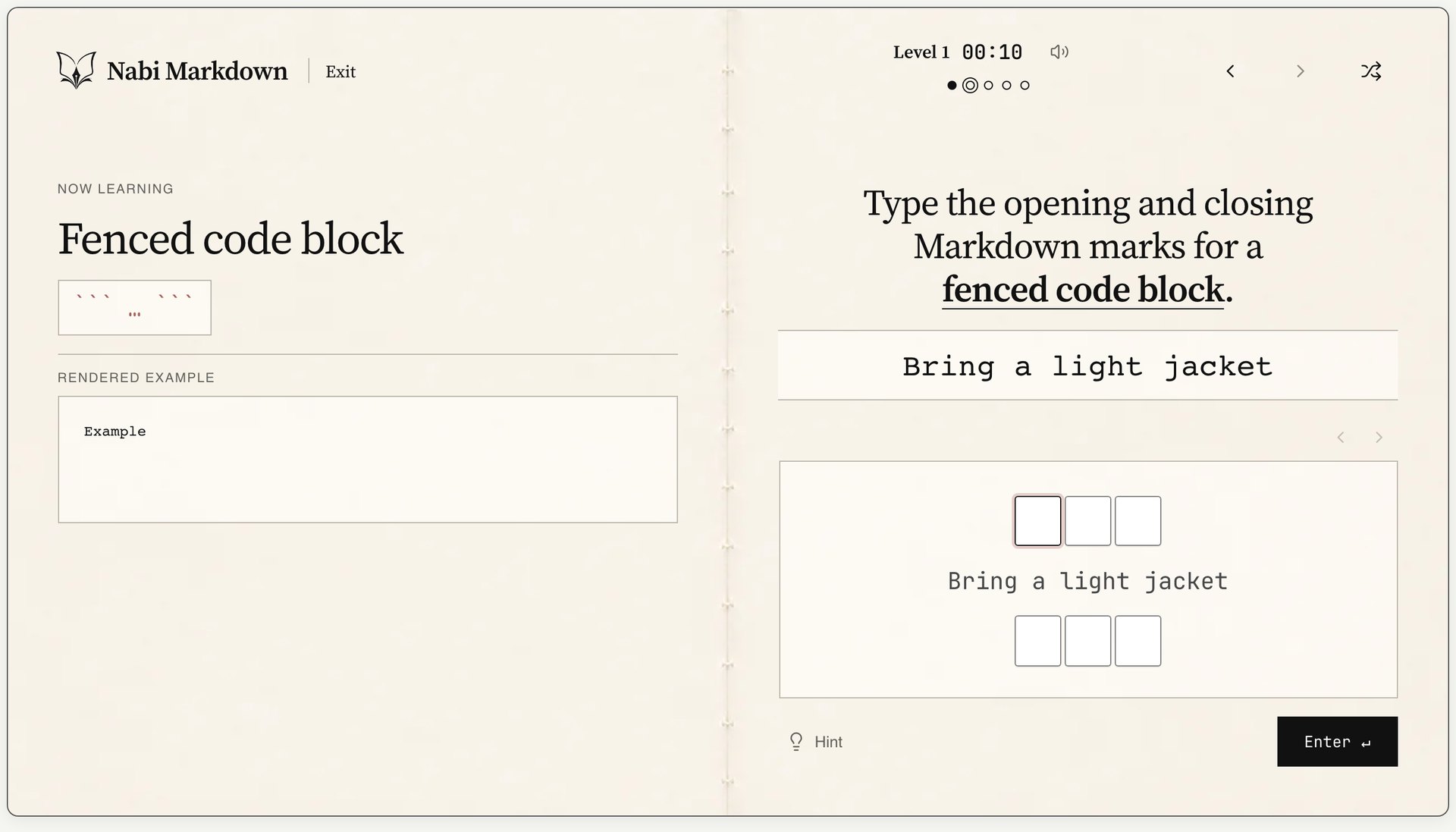
When the structure is right, the next exercise opens and the dots at the top show your progress. Grading looks at structure, not wording or spelling, and makes no AI calls.
Captured from the live service. The exercises differ each time you start.